
Computer Control Unit Worksheet: Learn CU Basics in Hindi

Description
About this Worksheet
Introduce young learners to the core of computer processing with our engaging Computer Control Unit Worksheet. Designed specifically for elementary students, this worksheet explains the concept of the Control Unit (CU) as the 'conductor' of the computer's brain. Written in clear, easy-to-understand Hindi with standard English technical terms, it provides a perfect foundation in computer science basics.
Key Learning Concepts
This worksheet breaks down complex computer architecture into simplified, visual segments, covering:
What is a Control Unit (CU)?: Understanding how the CU manages, coordinates, and directs all activities of a computer.
The CU Working Cycle: A step-by-step visual representation of the Fetch, Decode, Execute, and Store process.
Main Functions of the CU: Learn about instruction fetching, timing and sequencing, error checking, and I/O device control.
Key Components: Introduction to the Instruction Register (IR), Program Counter (PC), Control Signals, and Clock & Timing.
System Interconnection: How the CU interacts with the ALU, Memory, Registers, and Input/Output devices.
Learning Benefits for Kids
Using this worksheet offers several educational advantages for elementary students:
Visual Diagrams: The colorful flowcharts and illustrations help children visualize how data moves inside a CPU.
Bilingual Learning: Dual-language explanations (Hindi and English) ensure children grasp complex technical terms easily.
Logical Thinking: Encourages logical thinking by showing how step-by-step instructions are processed in a cycle.
How to Use This Worksheet in the Classroom
Teachers and parents can use this Computer Control Unit Worksheet to introduce basic CPU architecture. Start by explaining the analogy of a school principal or traffic controller (as highlighted in the sheet) to help children relate to the CU's role. Follow up with a fun quiz asking students to list the four stages of the CU cycle in order!
This worksheet is perfect for grade 4 students who want to practice and improve their skills in computer.
Quick facts
- Class
- Class 4 (Grade 4)
- Age
- 9–10 years
- Subject
- Computer
- Pages
- 1
- Format
- Free printable PDF (A4, black & white)

Related Worksheets

Computer Ka Parichay Worksheet | Kids Computer Basics
Grade 1
Computer Kya Hai Worksheet: Learn Computer Basics in Hindi
Grade 1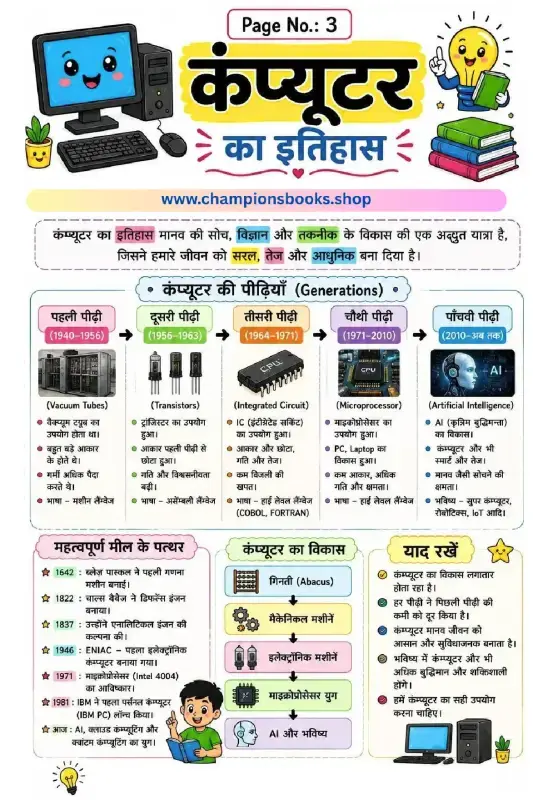
History of Computer in Hindi - Generations & Milestones
Grade 3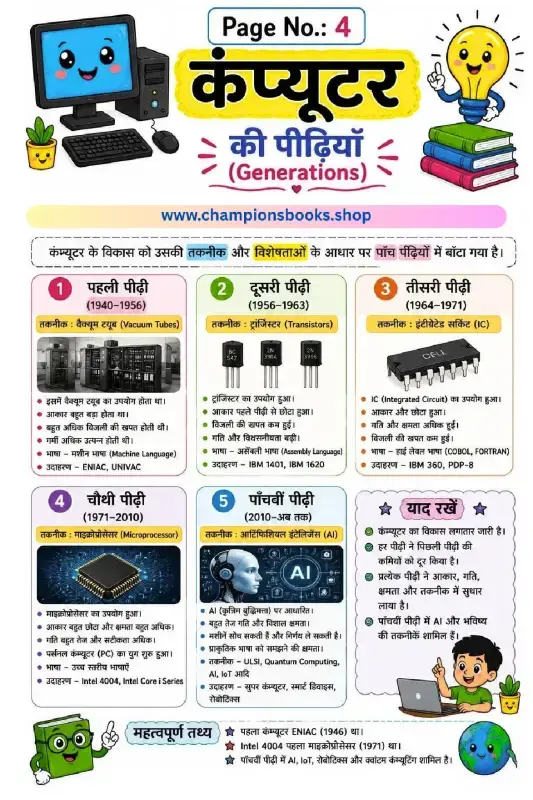
Generations of Computer in Hindi | Learn Computer History
Grade 4
कंप्यूटर की विशेषताएँ - Characteristics of Computer in Hindi
Grade 4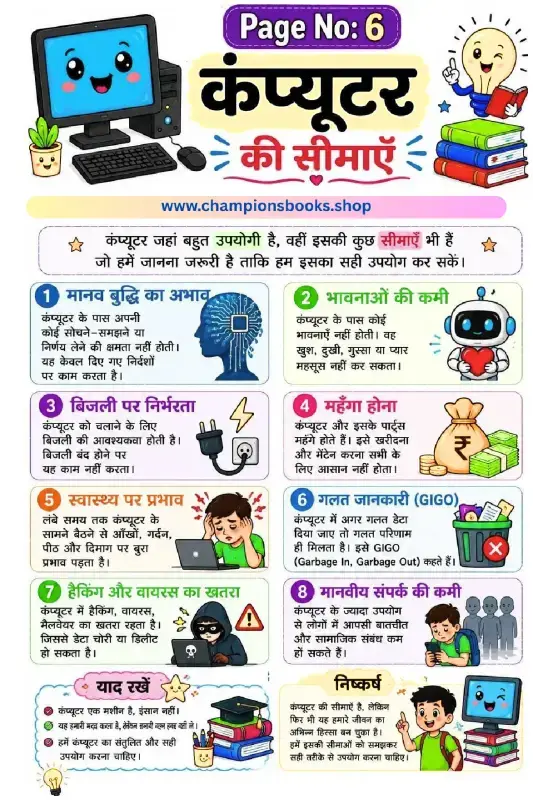
Limitations of Computer in Hindi - Grade 3 Worksheet
Grade 3Most Downloaded Worksheets
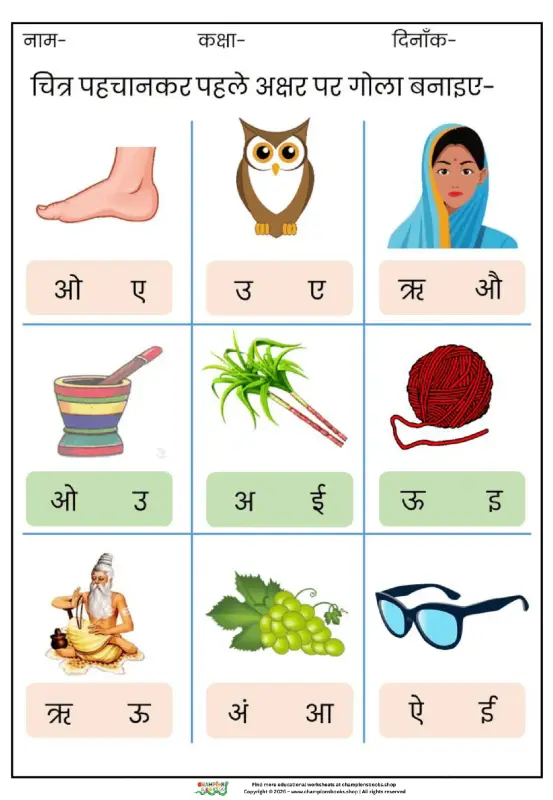
Learn Hindi Vowels: Picture & First Letter Match | Kindergarten
Kindergarten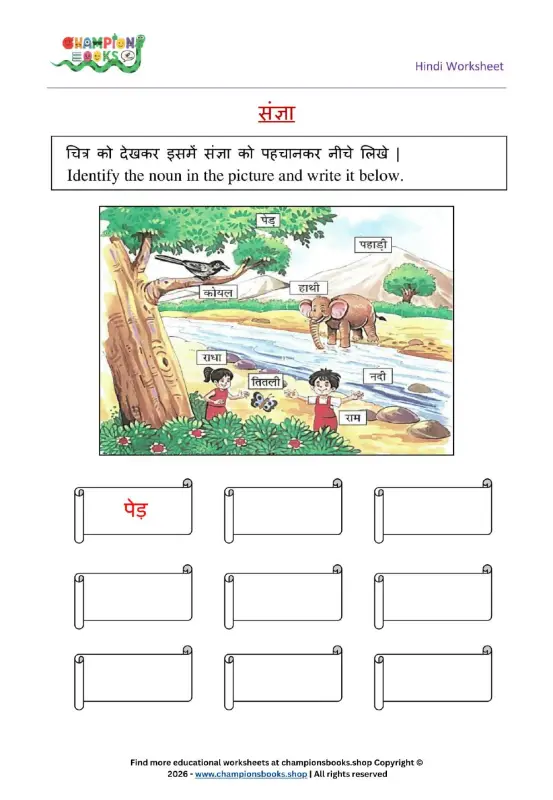
Hindi Sangya Worksheet for Grade 1 – Find Nouns in the Picture
Grade 1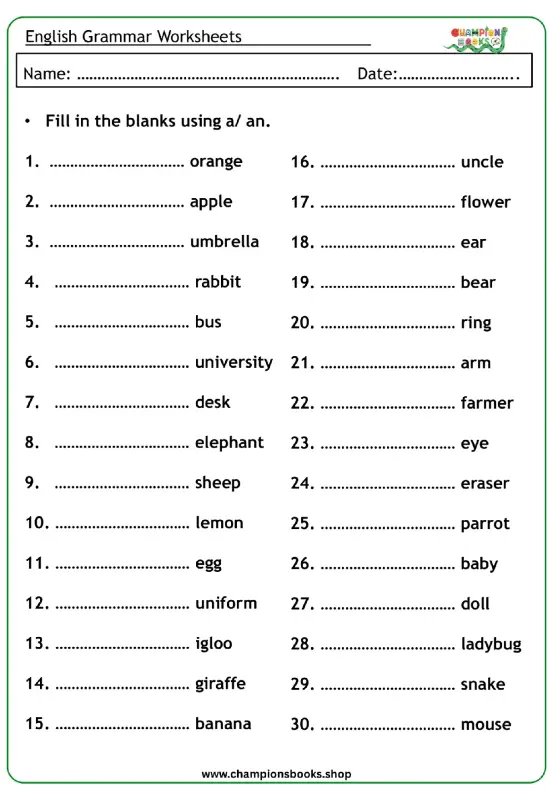
A vs An Worksheet for Grade 1 | English Grammar Practice
Grade 1
Rearrange Sentences Worksheet for Grade 3 Grammar Practice
Grade 3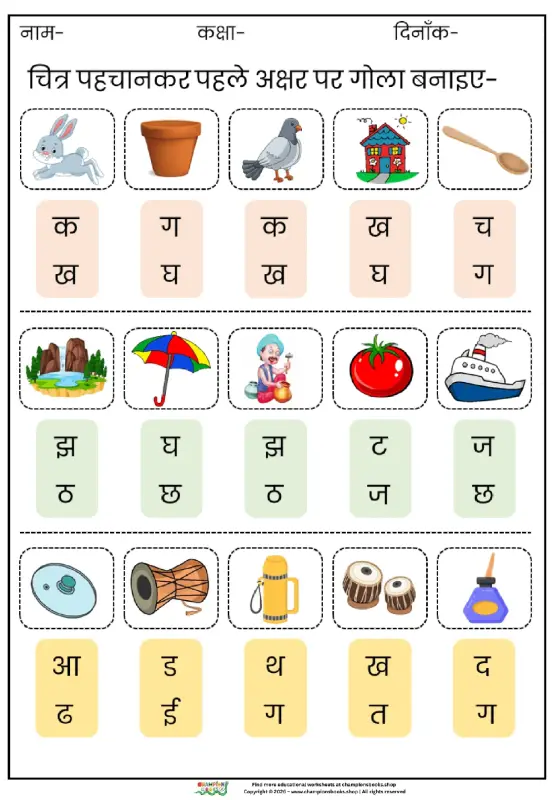
Hindi First Letter Worksheet | Identify & Circle Akshar
Grade 1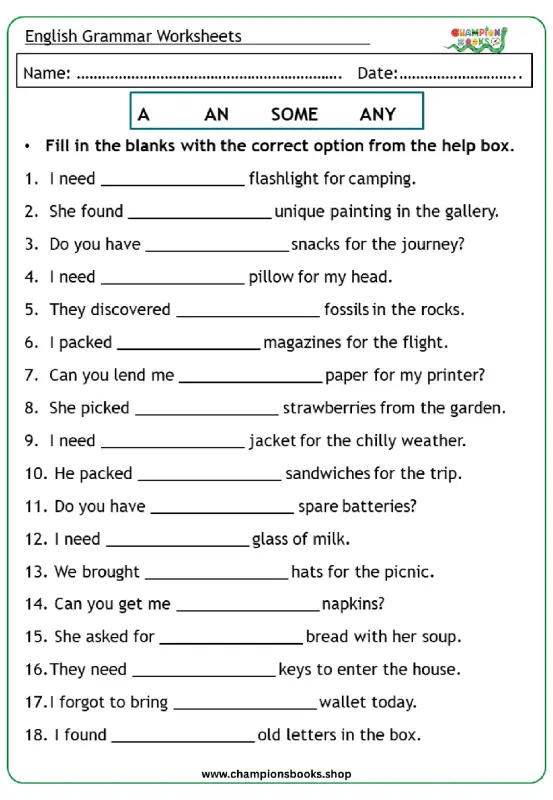
Master A, An, Some, Any: Grade 3 Grammar Worksheet | Free PDF
Grade 3
Basic English Grammar Worksheet: A, An, Some, Any
Grade 1