Learn Computer Monitor in Hindi: Types & Parts Guide

Description
About this Computer Monitor Worksheet
This beautifully designed educational worksheet introduces young learners to the Computer Monitor in Hindi (मॉनिटर का परिचय). Tailored for primary school students, particularly Grade 3, it simplifies complex computer hardware concepts into easy-to-understand visual sections. A monitor is an essential output device that displays processed data and information on the screen, and this chart covers all its fundamental aspects.
Key Learning Topics Covered
What is a Monitor? (मॉनिटर क्या है?): Understanding how it displays text, graphics, and video signals from the computer.
How it Works (मॉनिटर कैसे काम करता है?): Step-by-step visual representation of data processing to screen display.
Types of Monitors (मॉनिटर के प्रकार): Introduction to different screen technologies including CRT, LCD, LED, and OLED.
Main Parts (मॉनिटर के मुख्य भाग): Identifying key components like the screen, bezel, power button, stand, and LED indicator.
Features & Specifications (मॉनिटर की विशेषताएँ): Basics of screen size, resolution, brightness, contrast ratio, refresh rate, and energy efficiency.
Learning Benefits for Kids
Using visual aids like this worksheet helps students grasp computer science basics effortlessly. By studying the Computer Monitor in Hindi, children will:
Develop a clear understanding of computer output devices.
Learn to differentiate between older CRT monitors and modern OLED displays.
Enhance their technical vocabulary in both Hindi and English.
Build a strong foundation for elementary school computer science exams.
Whether you are a teacher looking for classroom resources or a parent helping with homework, this comprehensive guide makes learning about computer hardware engaging and fun. Reference this chart to boost your child's digital literacy today!
This worksheet is perfect for grade 4 students who want to practice and improve their skills in computer.
Quick facts
- Class
- Class 4 (Grade 4)
- Age
- 9–10 years
- Subject
- Computer
- Pages
- 1
- Format
- Free printable PDF (A4, black & white)


Related Worksheets

Computer Ka Parichay Worksheet | Kids Computer Basics
Grade 1
Computer Kya Hai Worksheet: Learn Computer Basics in Hindi
Grade 1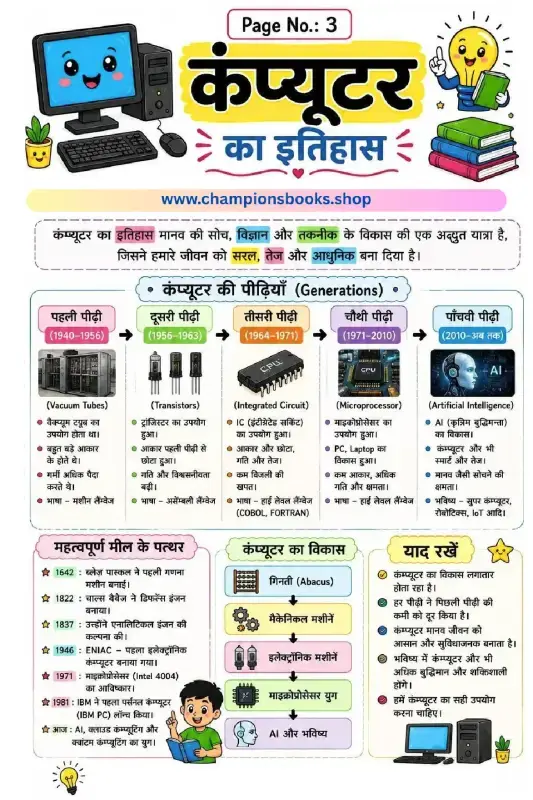
History of Computer in Hindi - Generations & Milestones
Grade 3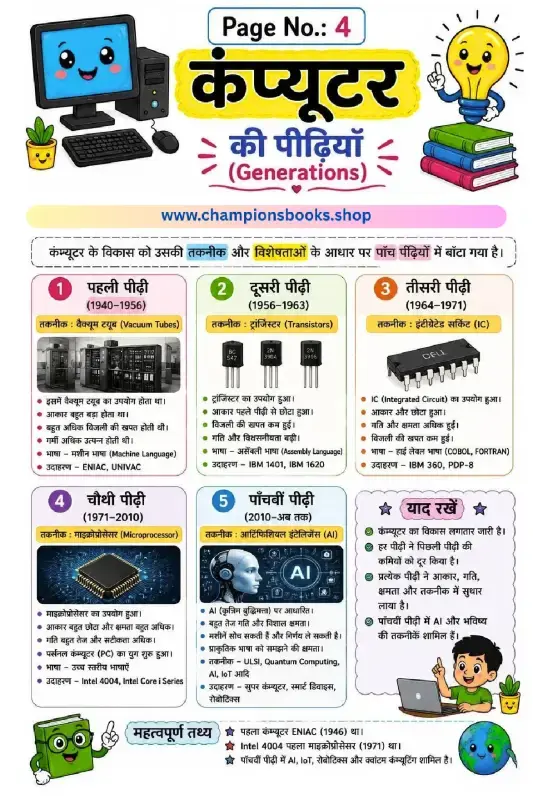
Generations of Computer in Hindi | Learn Computer History
Grade 4
कंप्यूटर की विशेषताएँ - Characteristics of Computer in Hindi
Grade 4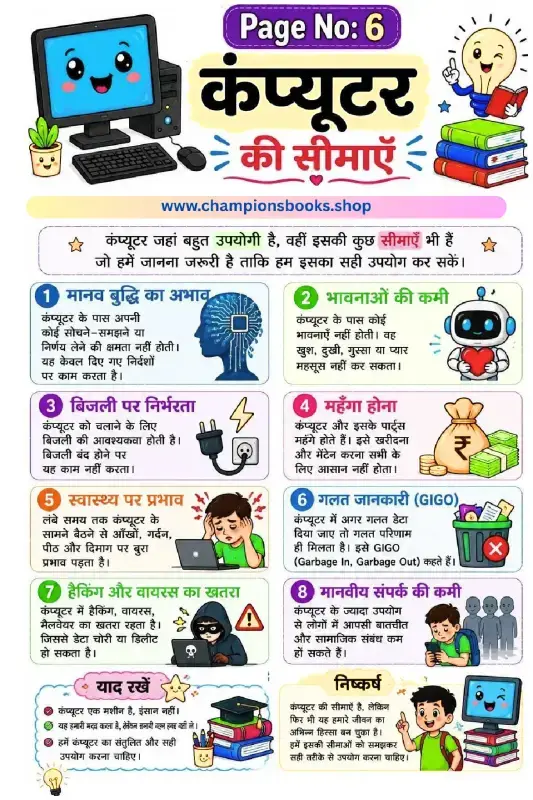
Limitations of Computer in Hindi - Grade 3 Worksheet
Grade 3Most Downloaded Worksheets
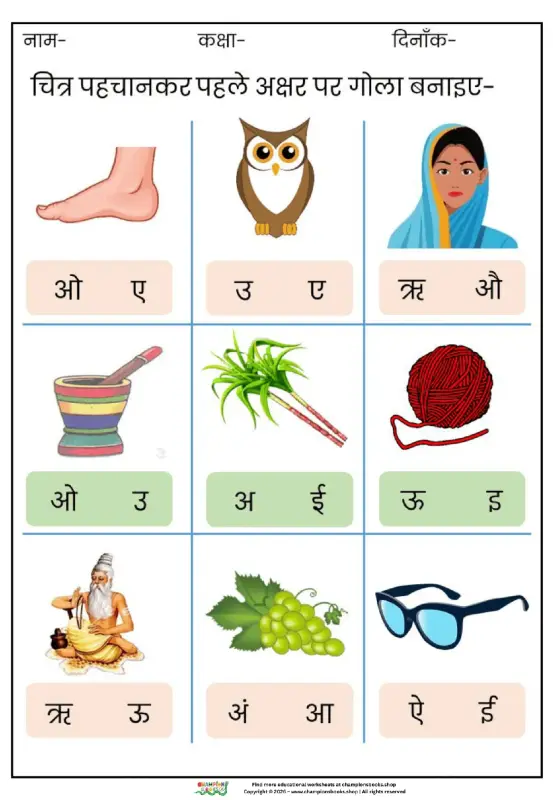
Learn Hindi Vowels: Picture & First Letter Match | Kindergarten
Kindergarten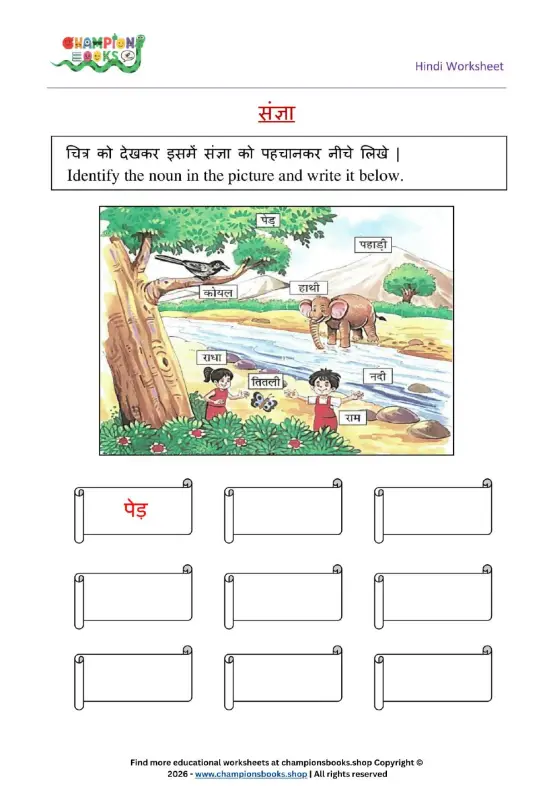
Hindi Sangya Worksheet for Grade 1 – Find Nouns in the Picture
Grade 1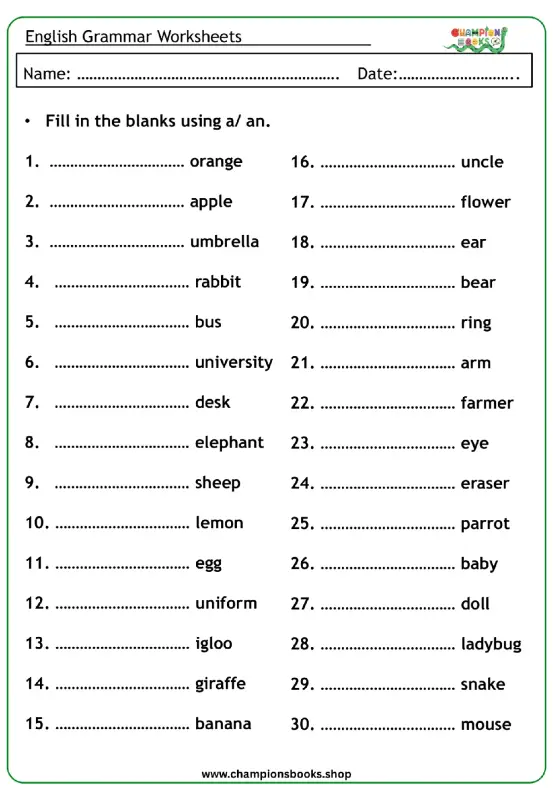
A vs An Worksheet for Grade 1 | English Grammar Practice
Grade 1
Rearrange Sentences Worksheet for Grade 3 Grammar Practice
Grade 3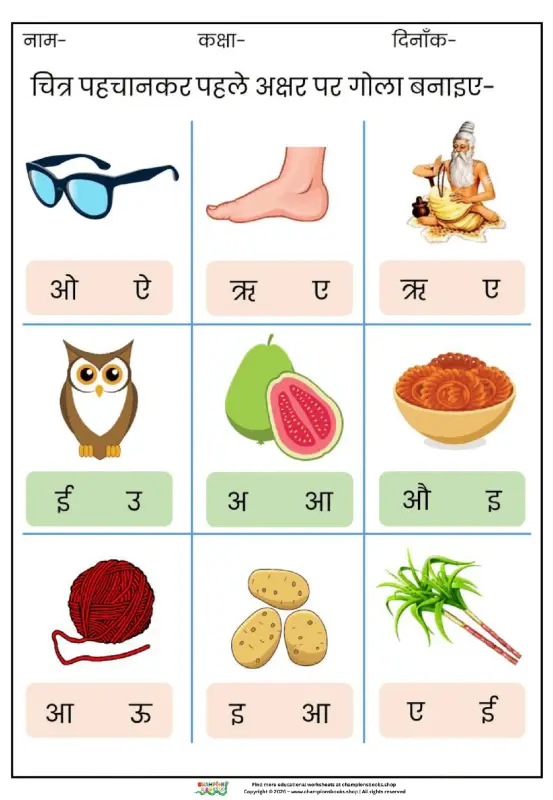
Hindi Vowels Worksheet: First Letter Recognition Fun for Kids
Kindergarten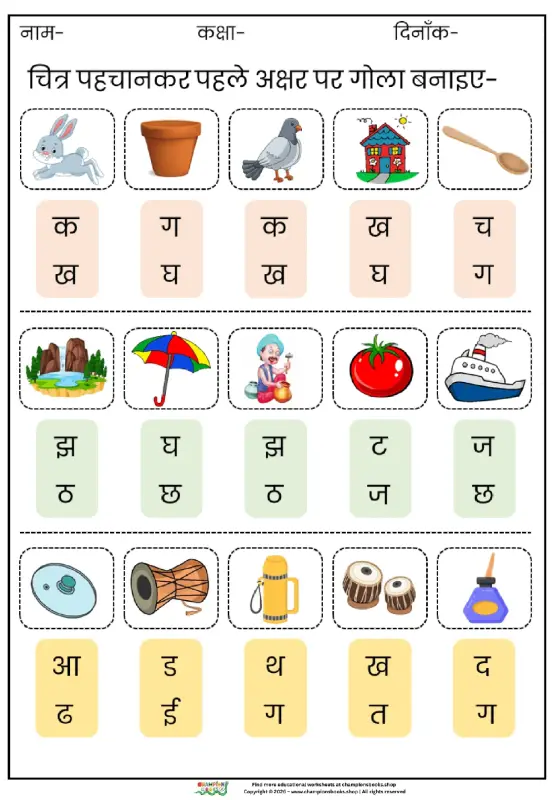
Hindi First Letter Worksheet | Identify & Circle Akshar
Grade 1
Basic English Grammar Worksheet: A, An, Some, Any
Grade 1