Projector Output Device Worksheet for Kids | Computer Basics

Description
About this Projector Output Device Worksheet
Introduce young learners to the world of computer hardware with our comprehensive projector output device worksheet. This beautifully designed bilingual (Hindi and English) educational chart is perfect for helping primary school students understand how a projector works, its key functions, and its role as an essential output device. With colorful illustrations and clear, easy-to-follow flowcharts, this worksheet makes learning computer science concepts both fun and highly interactive.
Key Learning Benefits
By studying this visual learning guide, students will grasp fundamental computer hardware concepts easily. Here are the core benefits of using this worksheet:
Clear Concept Definition: Understand what a projector is and how it displays images, videos, and presentations onto a large screen.
Step-by-Step Working Process: Visualizes the complete mechanism from data input, processing, lens projection, to the final screen display.
Types of Projectors: Introduces kids to modern projection technologies including LCD, DLP, LED, and Laser projectors.
Real-World Applications: Showcases practical uses in classrooms, business meetings, home theaters, events, and gaming setups.
Hardware Connections: Learn about essential input and output ports such as HDMI, VGA, USB, Audio, and LAN ports.
How to Use This Worksheet
Teachers and parents can use this sheet as an anchor chart, study guide, or a classroom poster. Encourage students to identify different projector types, discuss their advantages, and practice labeling the connection ports. This is an excellent, engaging resource for elementary computer science lessons and fast-track revision before exams.
This worksheet is perfect for grade 3 students who want to practice and improve their skills in computer.
Quick facts
- Class
- Class 3 (Grade 3)
- Age
- 8–9 years
- Subject
- Computer
- Pages
- 1
- Format
- Free printable PDF (A4, black & white)

Related Worksheets

Computer Ka Parichay Worksheet | Kids Computer Basics
Grade 1
Computer Kya Hai Worksheet: Learn Computer Basics in Hindi
Grade 1
History of Computer in Hindi - Generations & Milestones
Grade 3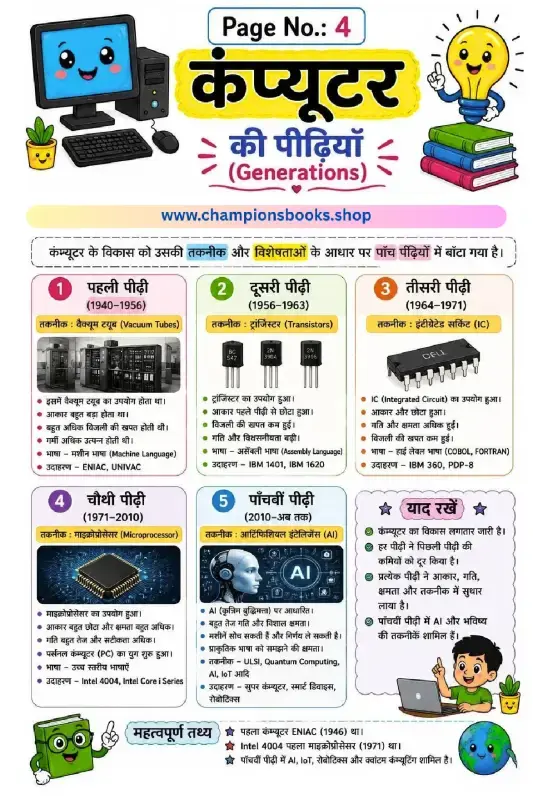
Generations of Computer in Hindi | Learn Computer History
Grade 4
कंप्यूटर की विशेषताएँ - Characteristics of Computer in Hindi
Grade 4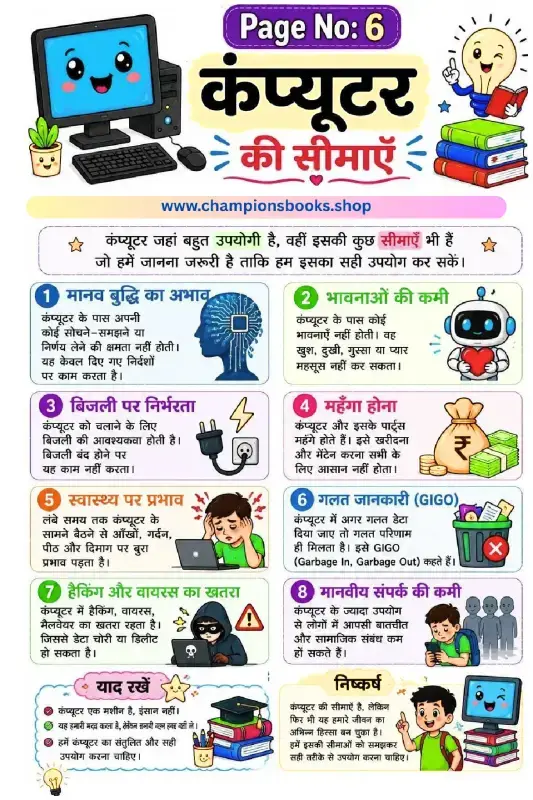
Limitations of Computer in Hindi - Grade 3 Worksheet
Grade 3Most Downloaded Worksheets
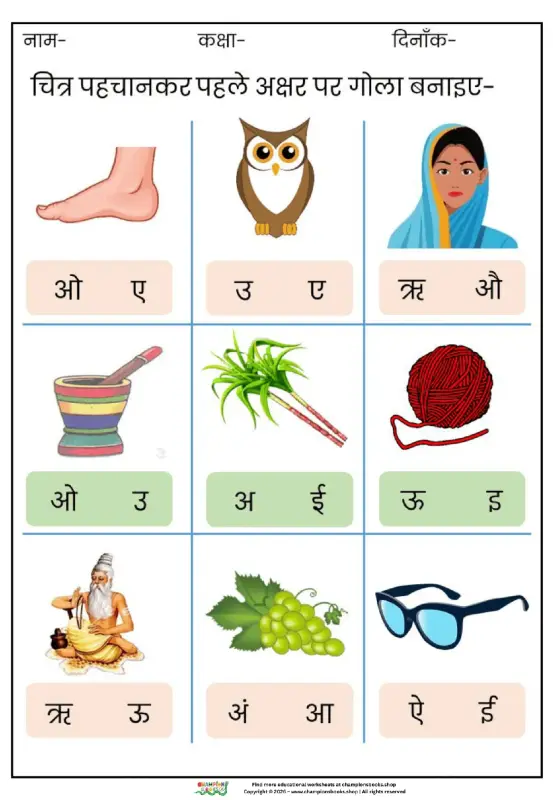
Learn Hindi Vowels: Picture & First Letter Match | Kindergarten
Kindergarten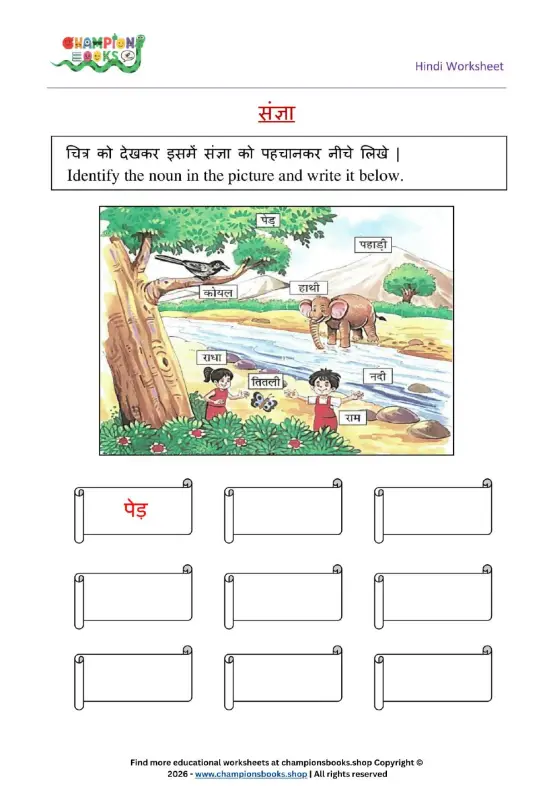
Hindi Sangya Worksheet for Grade 1 – Find Nouns in the Picture
Grade 1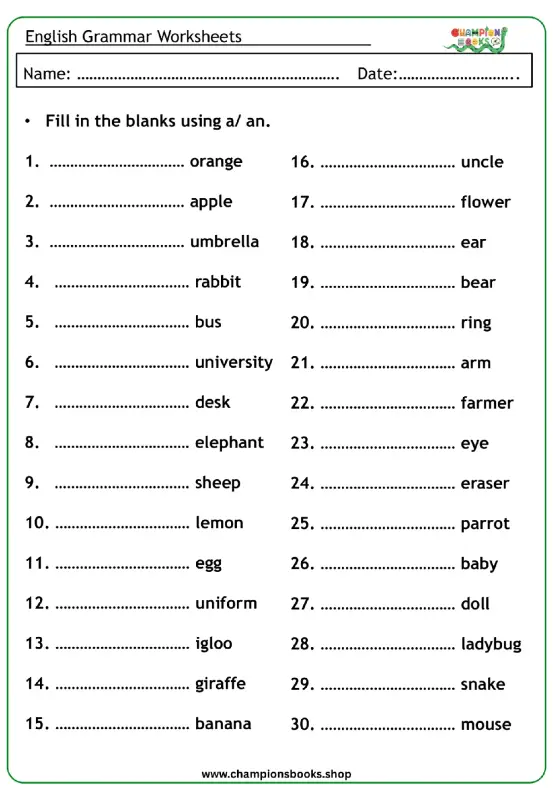
A vs An Worksheet for Grade 1 | English Grammar Practice
Grade 1
Rearrange Sentences Worksheet for Grade 3 Grammar Practice
Grade 3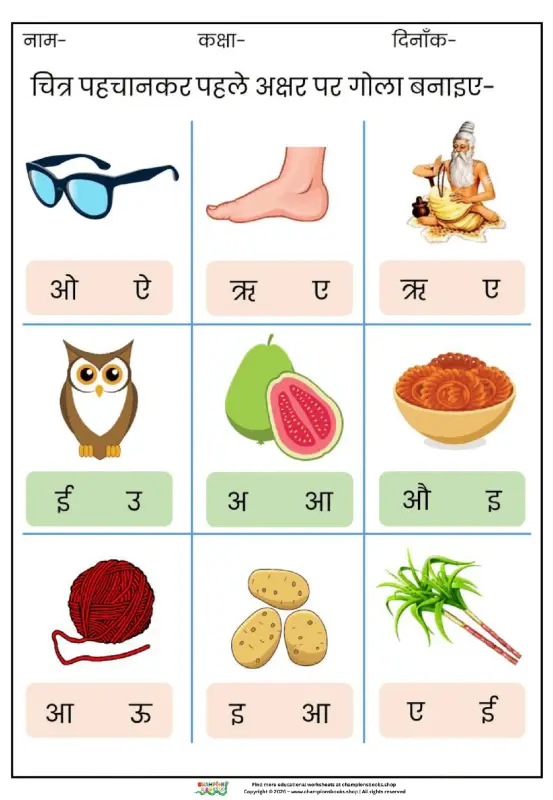
Hindi Vowels Worksheet: First Letter Recognition Fun for Kids
Kindergarten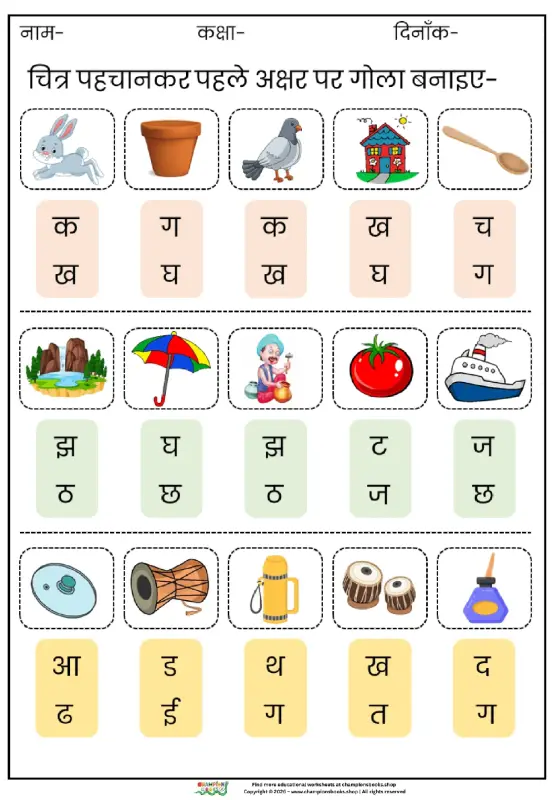
Hindi First Letter Worksheet | Identify & Circle Akshar
Grade 1
Basic English Grammar Worksheet: A, An, Some, Any
Grade 1