MS Word Worksheet in Hindi: Learn Basics & Shortcuts

Description
About this MS Word Worksheet in Hindi
Introduce young learners to the basics of word processing with our engaging and colorful MS Word Worksheet in Hindi. Designed specifically for primary school students, this educational resource simplifies complex computer concepts, making digital literacy fun, visual, and easy to grasp in Hindi.
Key Learning Features
This comprehensive study guide covers all the essential aspects of Microsoft Word, helping students build a strong foundational knowledge of computer systems:
Introduction to MS Word: A simple, bilingual definition explaining how Microsoft Word is used to create, edit, format, and print documents.
Features of MS Word: Highlights key capabilities like font customization, table insertion, spelling check, and document saving.
Real-World Uses: Colorful illustrations showing how MS Word is used to write letters, create resumes, take notes, and make reports.
Main Parts of MS Word: A clear visual breakdown of the interface, including the Title Bar, Ribbon, Quick Access Toolbar, and Status Bar.
File Operations: Step-by-step icons explaining how to create a New file, Open, Save, Edit, and Print.
Essential Keyboard Shortcuts Included
Learning shortcuts helps kids build typing speed and computer confidence. This worksheet features a handy shortcut reference guide:
Ctrl + N & Ctrl + O: Create a New document and Open an existing file.
Ctrl + S & Ctrl + P: Save your work and Print documents instantly.
Ctrl + C, V, X, Z: Master the essential editing commands for Copy, Paste, Cut, and Undo.
Why Choose This Worksheet?
With its vibrant illustrations, child-friendly layout, and simple Hindi explanations, this worksheet is perfect for elementary classrooms, homeschooling, and computer lab activities. It bridges the gap between theory and practical computer skills seamlessly.
This worksheet is perfect for grade 3 students who want to practice and improve their skills in computer.
Quick facts
- Class
- Class 3 (Grade 3)
- Age
- 8–9 years
- Subject
- Computer
- Pages
- 1
- Format
- Free printable PDF (A4, black & white)

Related Worksheets

Computer Ka Parichay Worksheet | Kids Computer Basics
Grade 1
Computer Kya Hai Worksheet: Learn Computer Basics in Hindi
Grade 1
History of Computer in Hindi - Generations & Milestones
Grade 3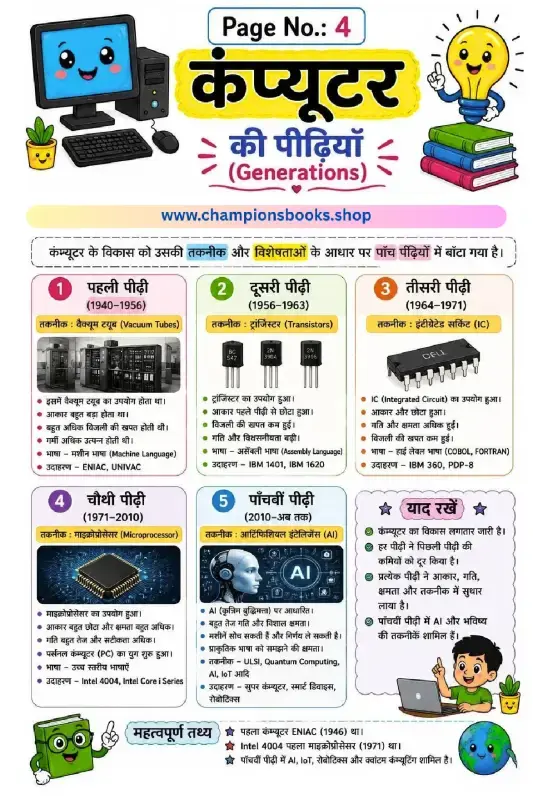
Generations of Computer in Hindi | Learn Computer History
Grade 4
कंप्यूटर की विशेषताएँ - Characteristics of Computer in Hindi
Grade 4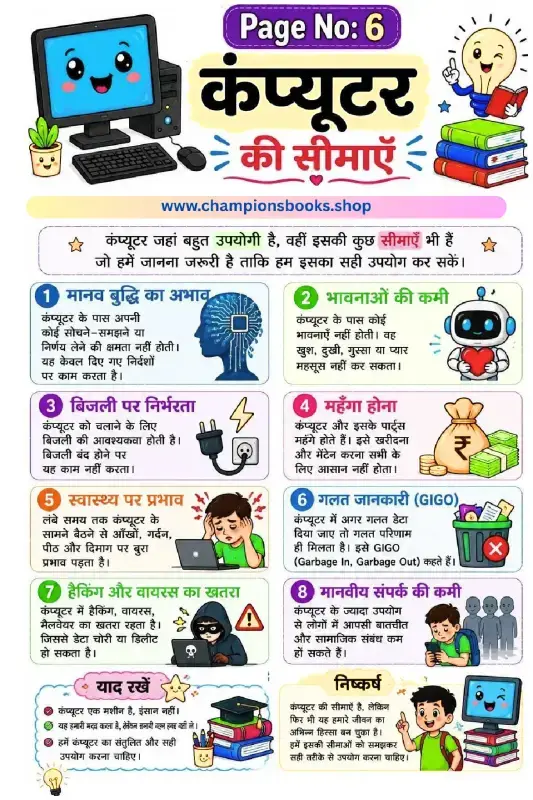
Limitations of Computer in Hindi - Grade 3 Worksheet
Grade 3Most Downloaded Worksheets
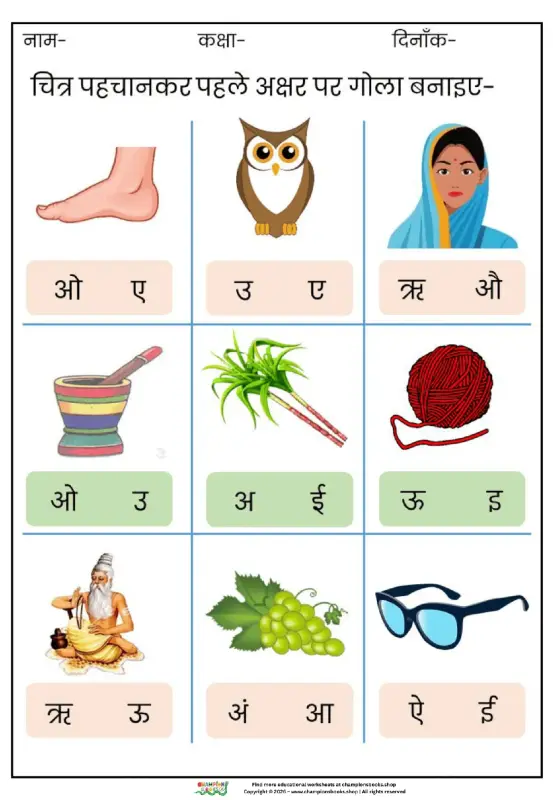
Learn Hindi Vowels: Picture & First Letter Match | Kindergarten
Kindergarten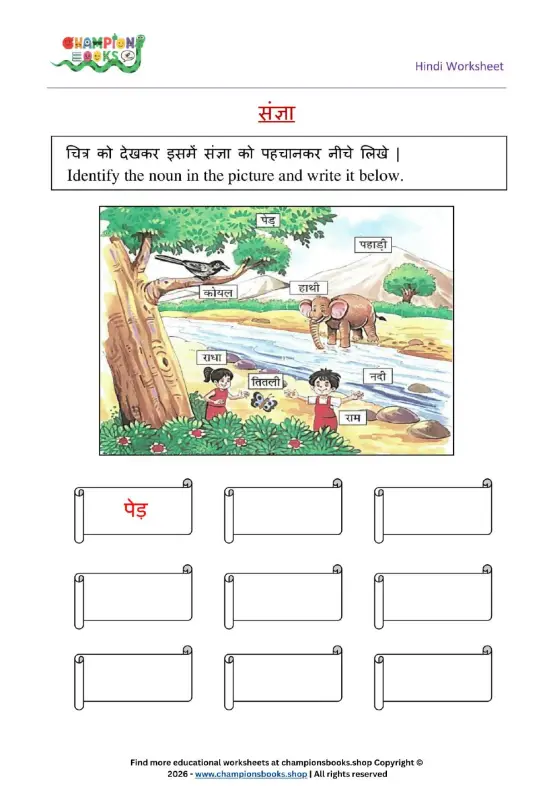
Hindi Sangya Worksheet for Grade 1 – Find Nouns in the Picture
Grade 1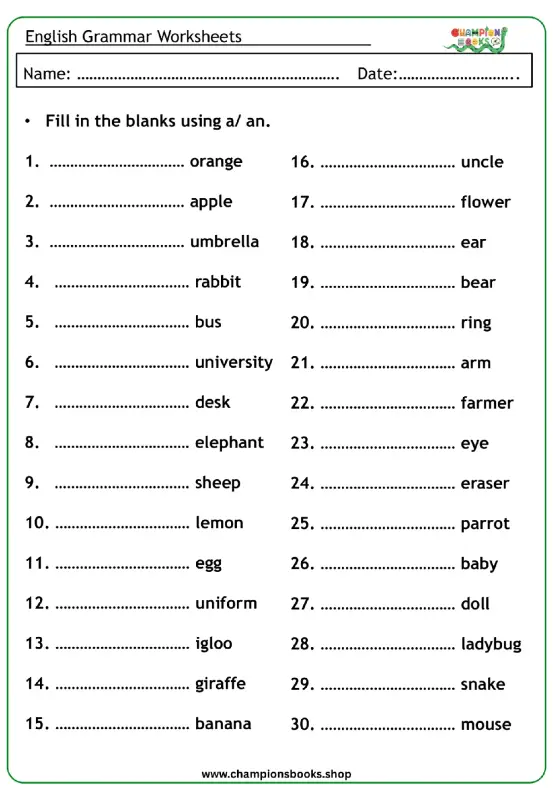
A vs An Worksheet for Grade 1 | English Grammar Practice
Grade 1
Rearrange Sentences Worksheet for Grade 3 Grammar Practice
Grade 3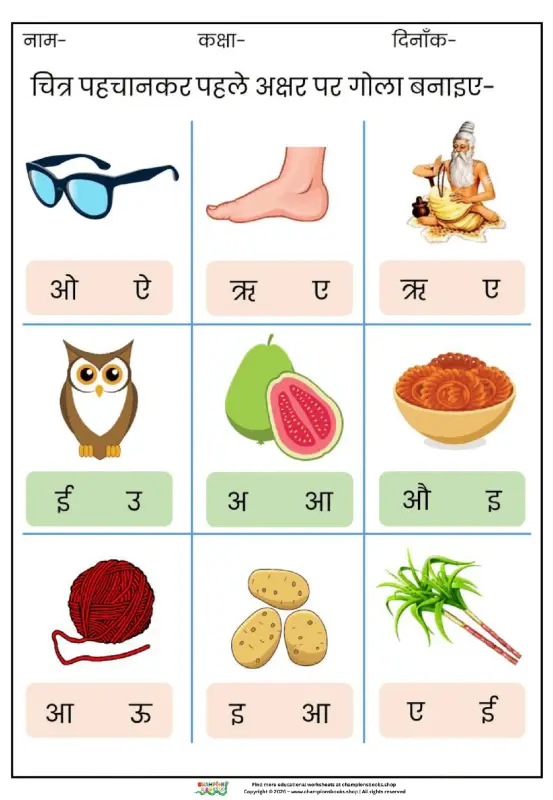
Hindi Vowels Worksheet: First Letter Recognition Fun for Kids
Kindergarten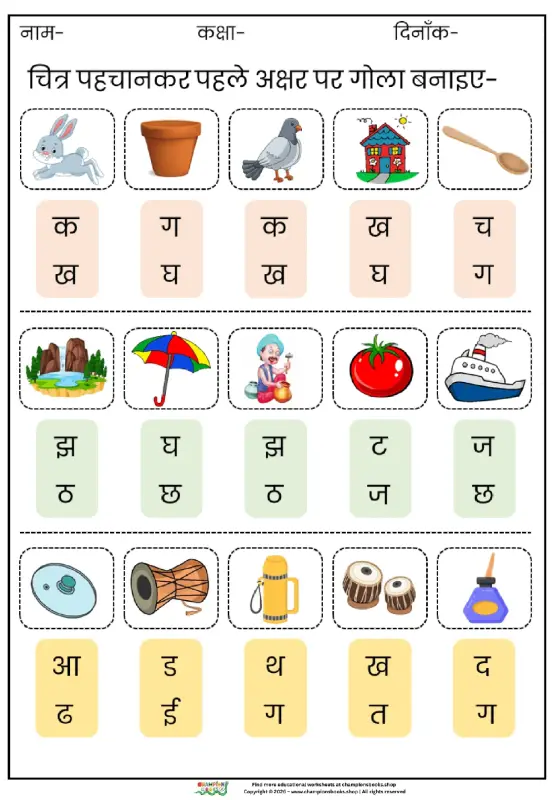
Hindi First Letter Worksheet | Identify & Circle Akshar
Grade 1
Basic English Grammar Worksheet: A, An, Some, Any
Grade 1