Secondary Memory Worksheet: Learn Computer Basics

Description
About this Secondary Memory Worksheet
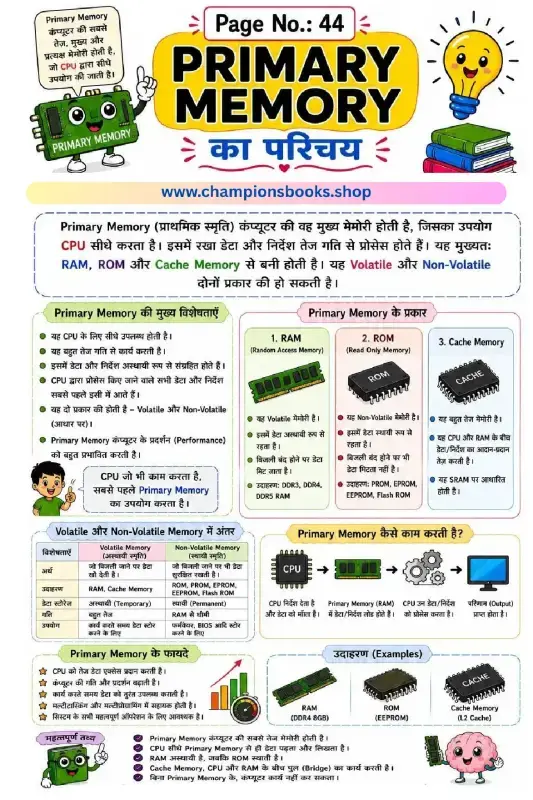
Introduce young learners to the fundamental concepts of computer science with our colorful and engaging Secondary Memory Worksheet. Designed primarily in Hindi with English terminology, this educational chart makes it easy for elementary students to grasp the basics of non-volatile computer storage. It serves as an excellent visual aid for both classroom teaching and home study sessions, helping kids connect real-world storage devices with computer science concepts.
Key Learning Benefits
This worksheet helps students understand how computers store information permanently. By studying this resource, children will learn:
Definition of Secondary Memory: Understand that secondary memory is non-volatile (गैर-वाष्पशील) and safely retains data even when the computer is turned off.
Types of Storage Devices: Identify and name common storage devices such as Hard Disks, Solid State Drives (SSD), Pen Drives, CDs, DVDs, and Memory Cards.
Key Characteristics: Learn about storage capacity, speed differences compared to the CPU, and the cost-effectiveness of secondary storage.
Primary vs. Secondary Memory: Compare critical differences like volatility, speed, and capacity between primary memory (RAM/ROM) and secondary storage devices.
How to Use This Worksheet
Teachers and parents can use this Secondary Memory Worksheet to introduce basic computer hardware concepts. You can use the colorful illustrations to quiz students on different storage devices, ask them to identify devices they use at home, or have them write down the main differences between primary and secondary memory based on the handy comparison table provided. It is a perfect resource for Grade 3 to Grade 5 computer science curriculums.
This worksheet is perfect for grade 3 students who want to practice and improve their skills in computer.
Quick facts
- Class
- Class 3 (Grade 3)
- Age
- 8–9 years
- Subject
- Computer
- Pages
- 1
- Format
- Free printable PDF (A4, black & white)

Related Worksheets

Computer Ka Parichay Worksheet | Kids Computer Basics
Grade 1
Computer Kya Hai Worksheet: Learn Computer Basics in Hindi
Grade 1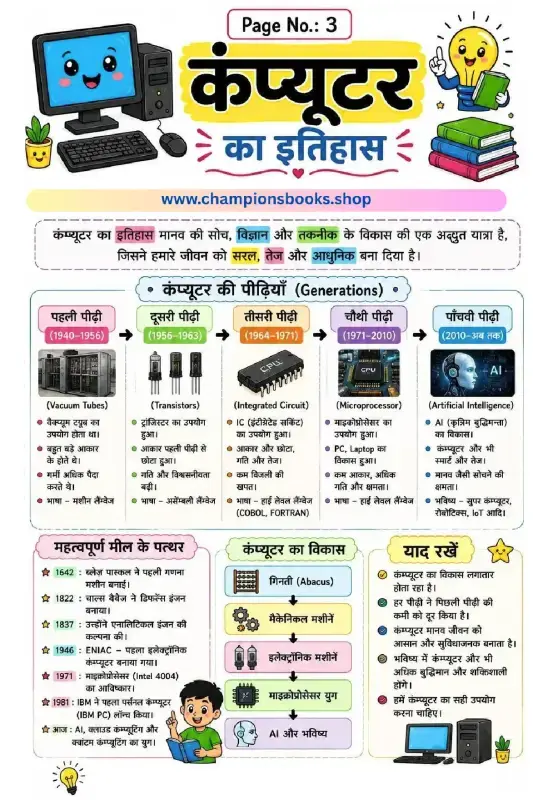
History of Computer in Hindi - Generations & Milestones
Grade 3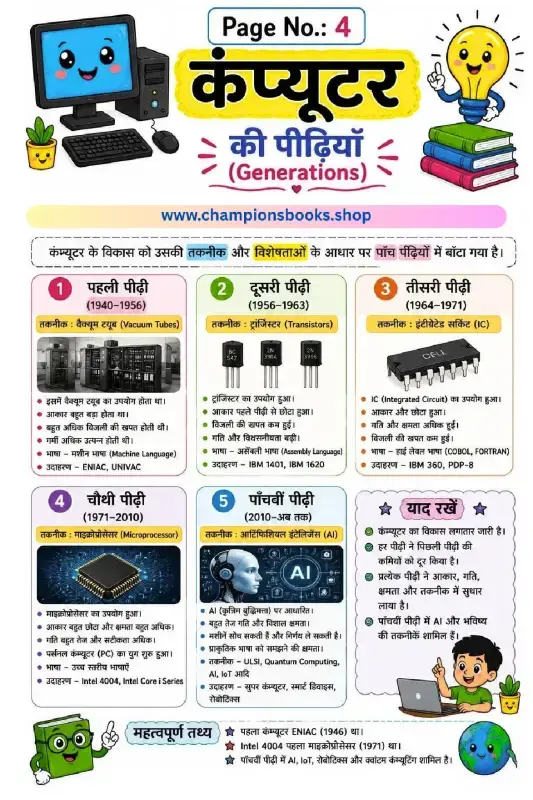
Generations of Computer in Hindi | Learn Computer History
Grade 4
कंप्यूटर की विशेषताएँ - Characteristics of Computer in Hindi
Grade 4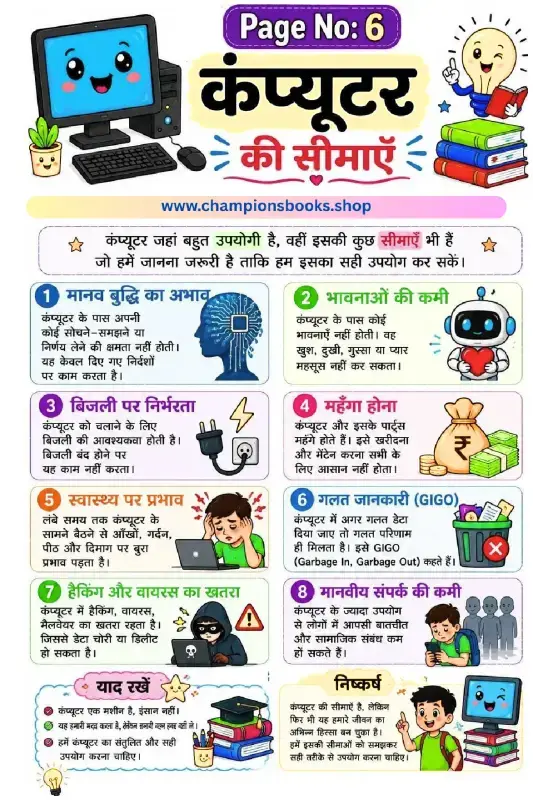
Limitations of Computer in Hindi - Grade 3 Worksheet
Grade 3Most Downloaded Worksheets
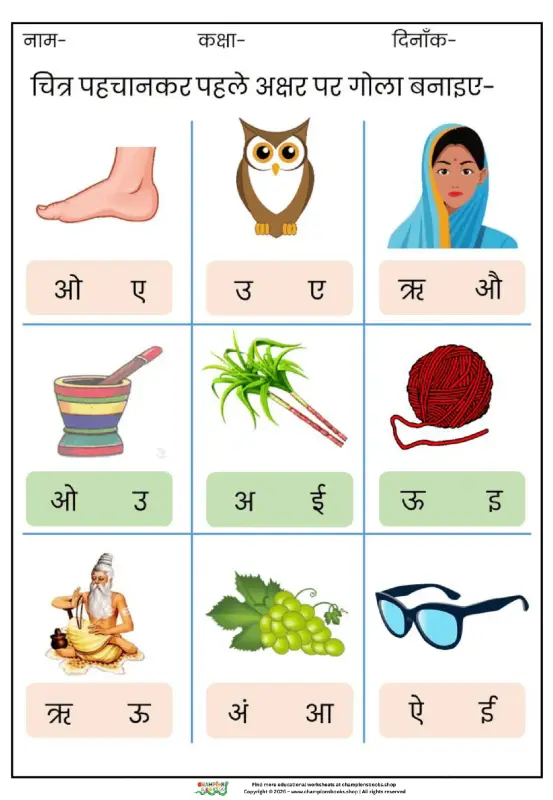
Learn Hindi Vowels: Picture & First Letter Match | Kindergarten
Kindergarten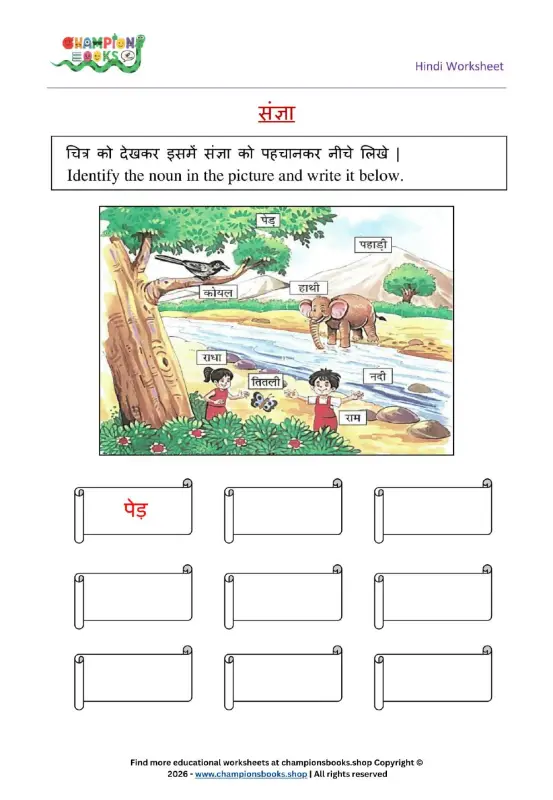
Hindi Sangya Worksheet for Grade 1 – Find Nouns in the Picture
Grade 1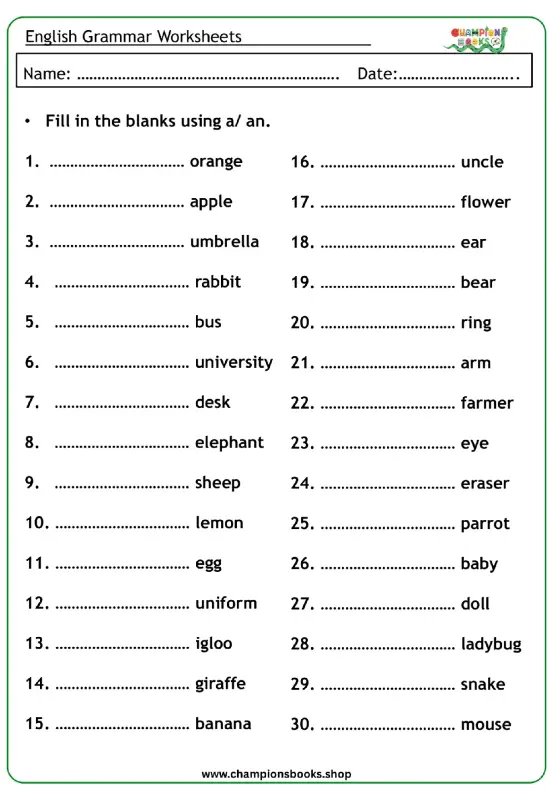
A vs An Worksheet for Grade 1 | English Grammar Practice
Grade 1
Rearrange Sentences Worksheet for Grade 3 Grammar Practice
Grade 3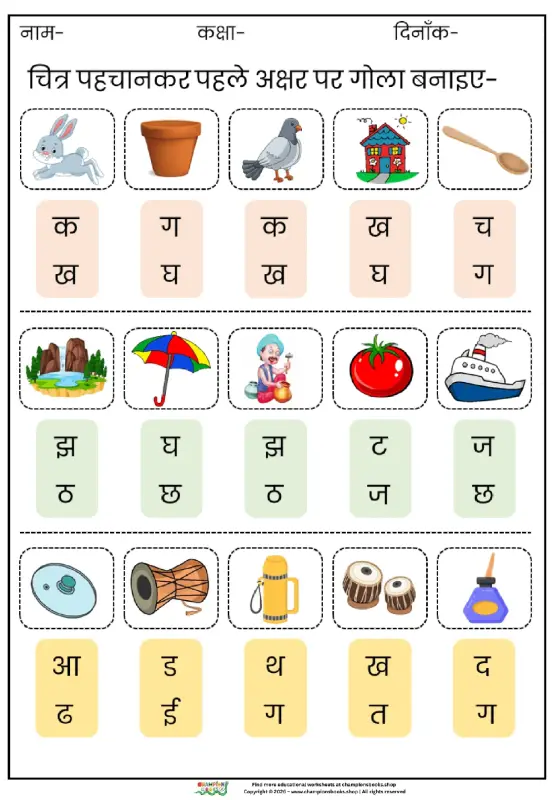
Hindi First Letter Worksheet | Identify & Circle Akshar
Grade 1
Basic English Grammar Worksheet: A, An, Some, Any
Grade 1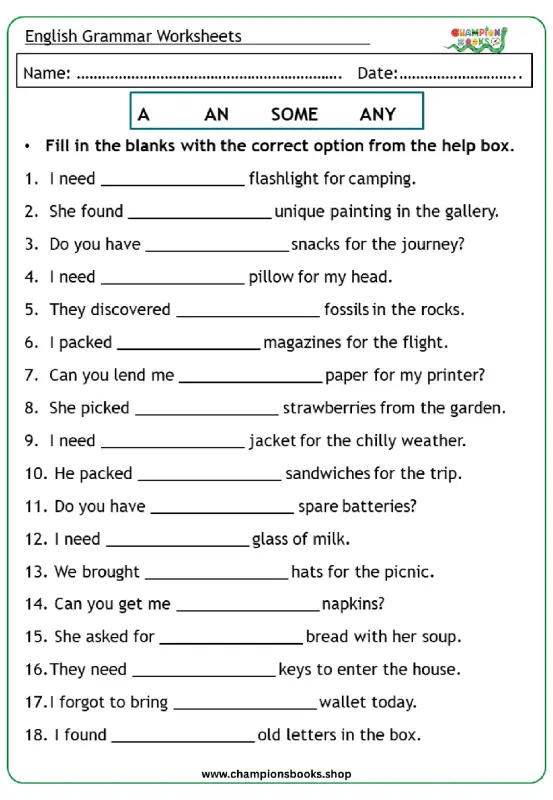
Master A, An, Some, Any: Grade 3 Grammar Worksheet | Free PDF
Grade 3