
Learn System Software in Hindi - Types & Functions

Description
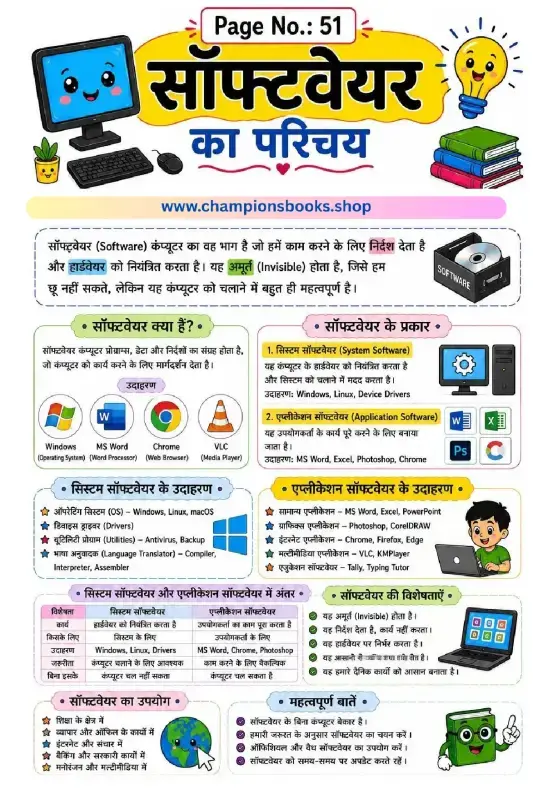
About this System Software Worksheet
This educational worksheet is specially designed for Grade 4 students to master the core concepts of System Software in Hindi. System software serves as the backbone of any computer system, managing hardware resources and enabling application software to function seamlessly. This highly visual guide uses simple Hindi explanations alongside English terminology to make complex computer science topics accessible and engaging for young learners.
Key Topics Explored in the Worksheet
What is System Software? Learn how it acts as a bridge between computer hardware and the user.
The Five Core Types:
Operating Systems: Such as Windows, macOS, Android, and Linux.
Device Drivers: Including printer and graphics drivers that help hardware communicate with the OS.
Language Translators: Compilers, interpreters, and assemblers that convert high-level code to machine language.
Utility Programs: Tools like antivirus and disk cleanup that maintain system health.
Firmware: Permanent software like BIOS and UEFI embedded in hardware.
System vs. Application Software: A comparative look at the distinct roles of system-level programs versus user-focused apps like MS Word or Photoshop.
Key Benefits: Understanding why system software is indispensable for computer operations, security, and performance.
Why Use This Study Resource?
This worksheet is perfect for classroom teaching, homeschooling, or self-study. It helps students build a strong foundational knowledge of computer architecture, improves their technical vocabulary, and fosters analytical skills by comparing different software types. With colorful illustrations and clear tables, learning about computers becomes both fun and effective!
This worksheet is perfect for grade 4 students who want to practice and improve their skills in computer.
Quick facts
- Class
- Class 4 (Grade 4)
- Age
- 9–10 years
- Subject
- Computer
- Pages
- 1
- Format
- Free printable PDF (A4, black & white)

Related Worksheets

Computer Ka Parichay Worksheet | Kids Computer Basics
Grade 1
Computer Kya Hai Worksheet: Learn Computer Basics in Hindi
Grade 1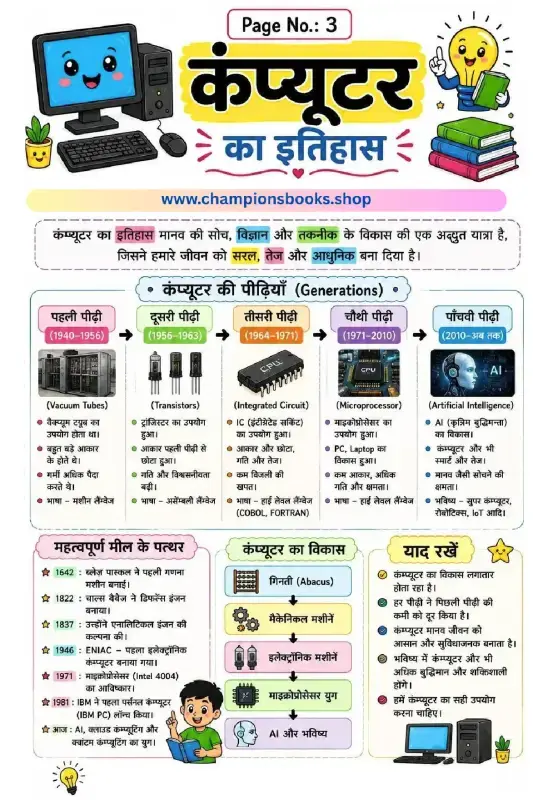
History of Computer in Hindi - Generations & Milestones
Grade 3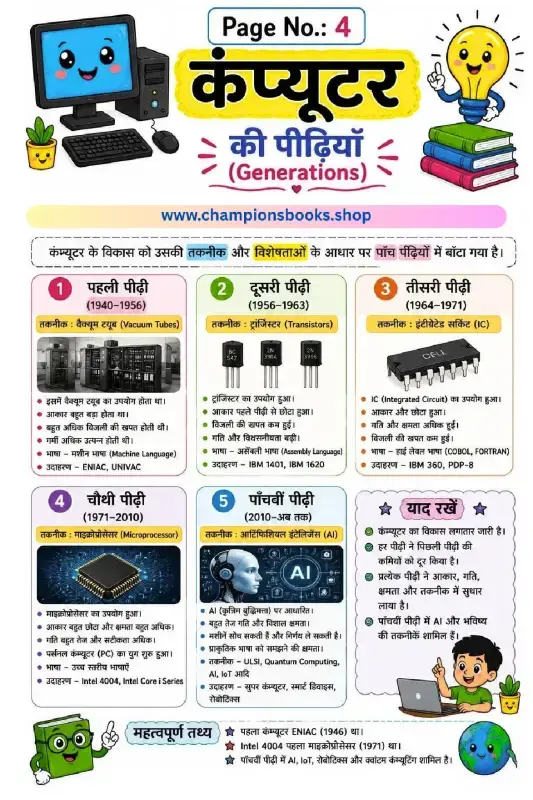
Generations of Computer in Hindi | Learn Computer History
Grade 4
कंप्यूटर की विशेषताएँ - Characteristics of Computer in Hindi
Grade 4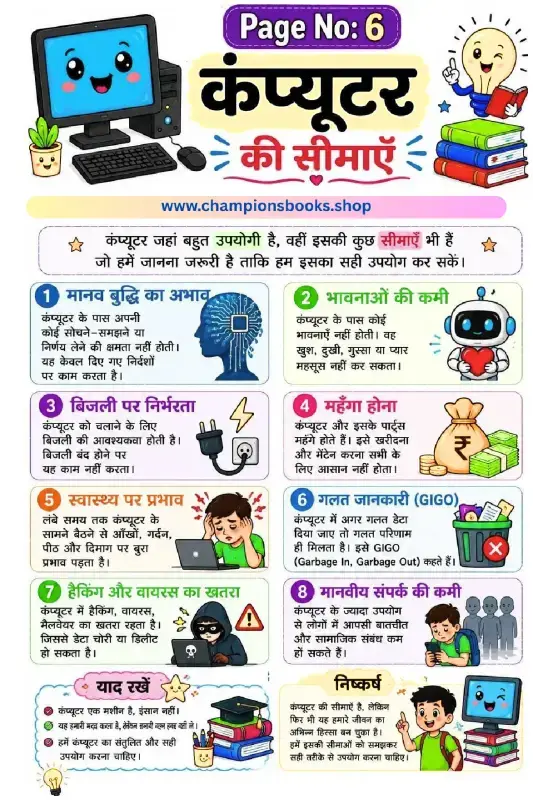
Limitations of Computer in Hindi - Grade 3 Worksheet
Grade 3Most Downloaded Worksheets
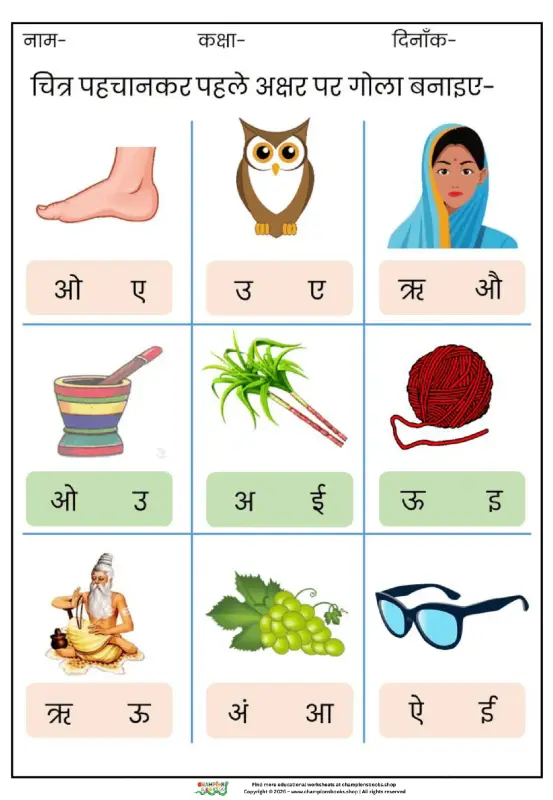
Learn Hindi Vowels: Picture & First Letter Match | Kindergarten
Kindergarten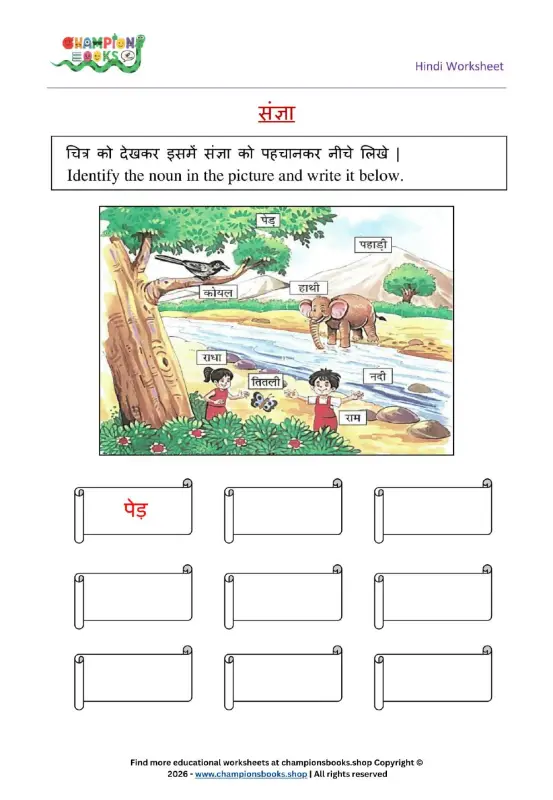
Hindi Sangya Worksheet for Grade 1 – Find Nouns in the Picture
Grade 1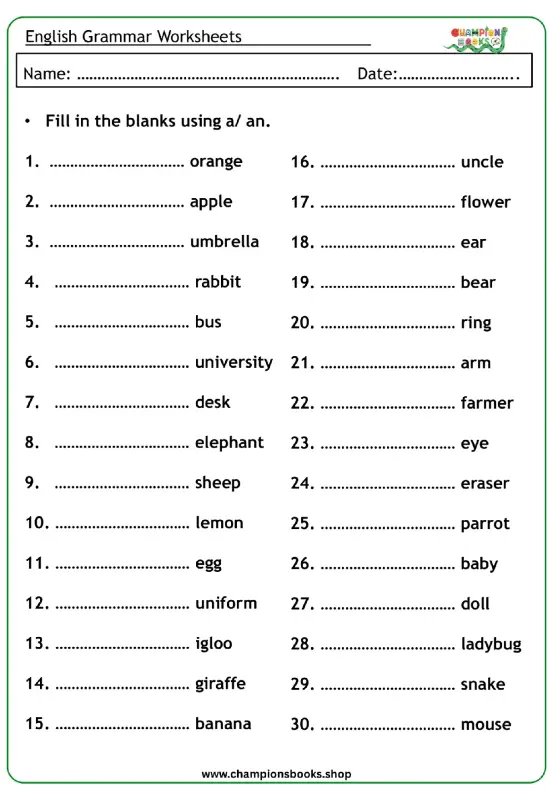
A vs An Worksheet for Grade 1 | English Grammar Practice
Grade 1
Rearrange Sentences Worksheet for Grade 3 Grammar Practice
Grade 3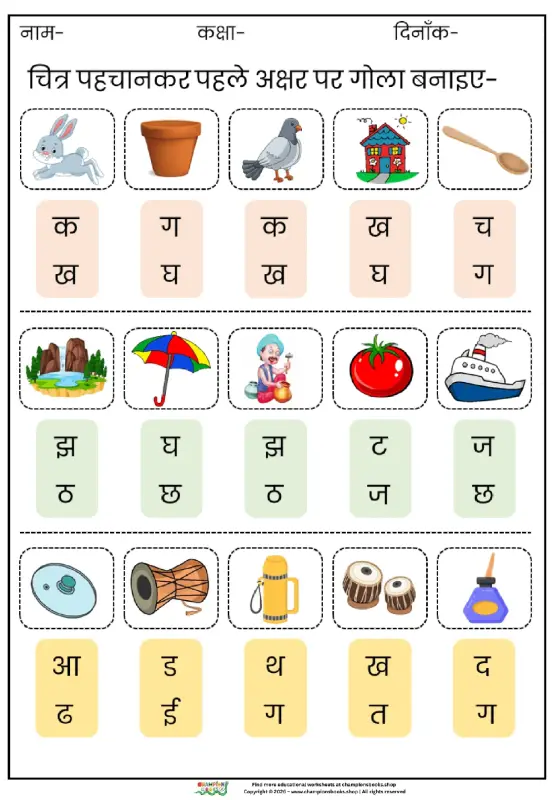
Hindi First Letter Worksheet | Identify & Circle Akshar
Grade 1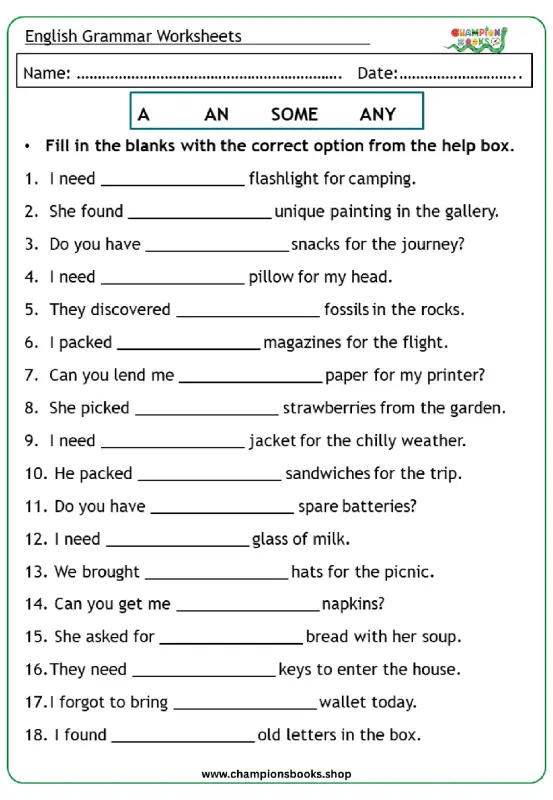
Master A, An, Some, Any: Grade 3 Grammar Worksheet | Free PDF
Grade 3
Basic English Grammar Worksheet: A, An, Some, Any
Grade 1