
Utility Software in Hindi - Types and Uses Worksheet
Description
About this Worksheet
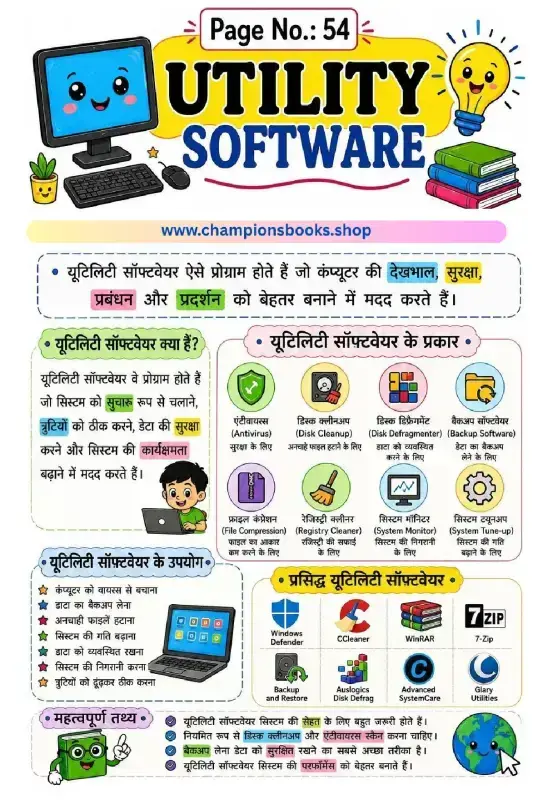
This educational worksheet is designed to teach students about utility software in Hindi. Perfect for elementary school computer science classes, particularly Grade 4, this visually engaging guide helps young learners understand how computers are maintained, secured, and optimized. With colorful illustrations and easy-to-understand Hindi text, students can grasp fundamental computer concepts with ease.
What is Utility Software? (यूटिलिटी सॉफ्टवेयर क्या है?)
Utility software refers to system programs designed to help analyze, configure, optimize, or maintain a computer. They assist in keeping the computer system safe, clean, and running smoothly. Unlike application software, utility software focuses on how the computer infrastructure operates behind the scenes.
Key Types of Utility Software Covered
This worksheet introduces students to various essential utility tools, including:
Antivirus (एंटीवायरस): Protects the computer system from harmful malware and viruses.
Disk Cleanup (डिस्क क्लीनअप): Removes unnecessary files to free up valuable storage space.
Disk Defragmenter (डिस्क डीफ़्रेग्मेंट): Organizes fragmented data on the hard drive for faster performance.
Backup Software (बैकअप सॉफ्टवेयर): Helps create secure copies of important data to prevent accidental loss.
File Compression (फ़ाइल कंप्रेशन): Reduces file sizes to save storage space (e.g., WinRAR, 7-Zip).
Learning Benefits
Helps children identify different types of system tools and their specific functions.
Explains complex computer hardware and software maintenance concepts in simple, accessible Hindi.
Encourages safe computer practices, such as running regular antivirus scans and performing data backups.
Perfect for school homework, classroom activities, or self-study for young tech-savvy students.
This worksheet is perfect for grade 4 students who want to practice and improve their skills in computer.
Quick facts
- Class
- Class 4 (Grade 4)
- Age
- 9–10 years
- Subject
- Computer
- Pages
- 1
- Format
- Free printable PDF (A4, black & white)

Related Worksheets

Computer Ka Parichay Worksheet | Kids Computer Basics
Grade 1
Computer Kya Hai Worksheet: Learn Computer Basics in Hindi
Grade 1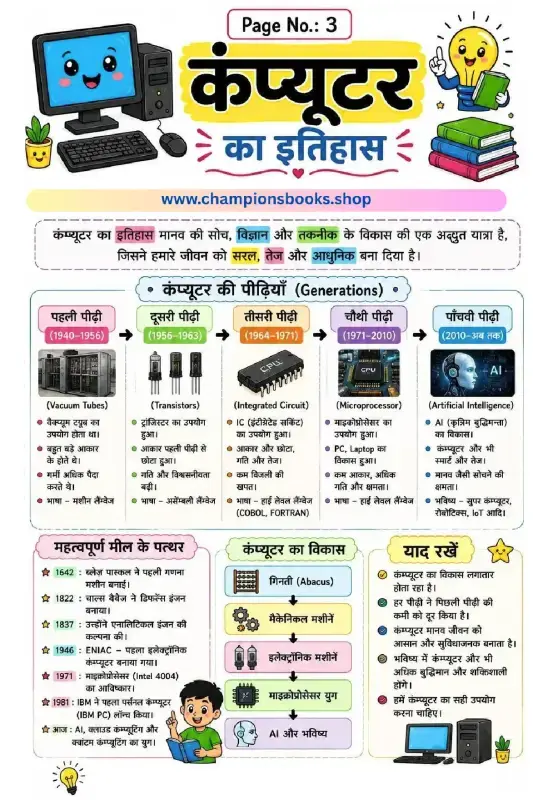
History of Computer in Hindi - Generations & Milestones
Grade 3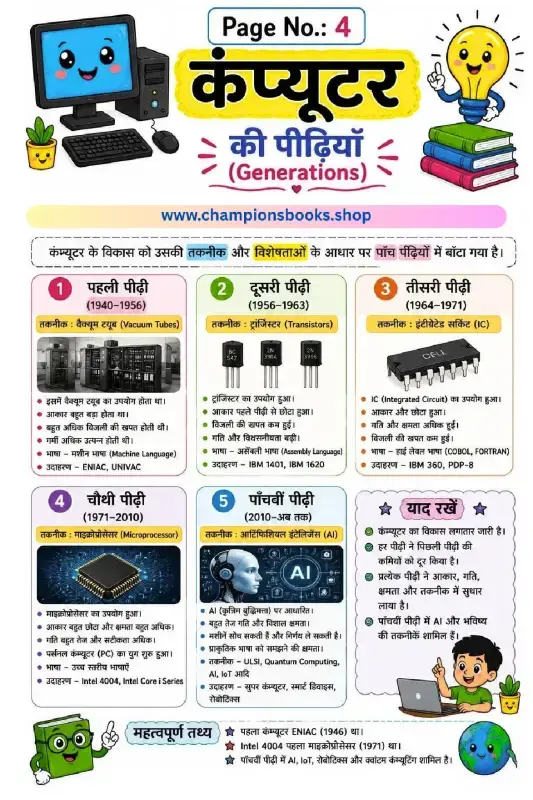
Generations of Computer in Hindi | Learn Computer History
Grade 4
कंप्यूटर की विशेषताएँ - Characteristics of Computer in Hindi
Grade 4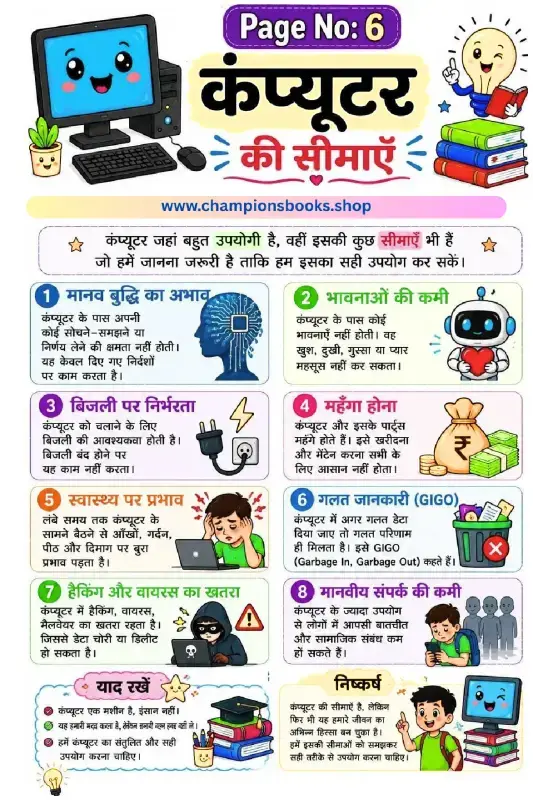
Limitations of Computer in Hindi - Grade 3 Worksheet
Grade 3Most Downloaded Worksheets
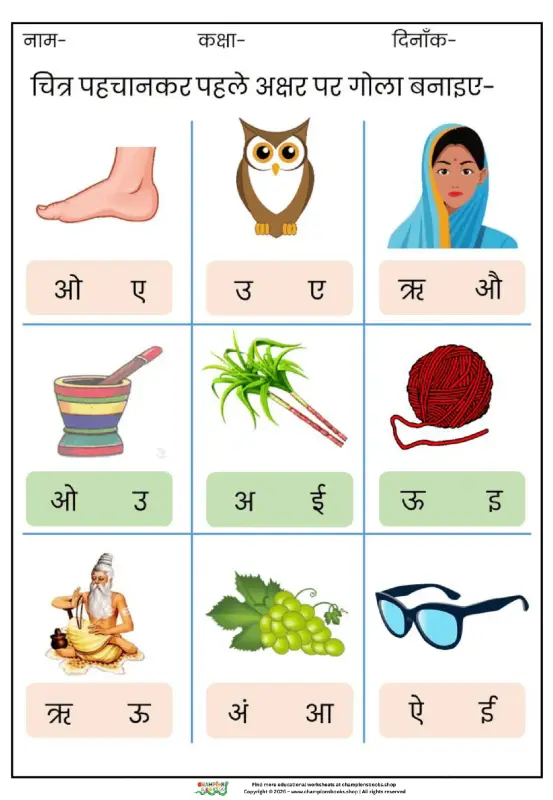
Learn Hindi Vowels: Picture & First Letter Match | Kindergarten
Kindergarten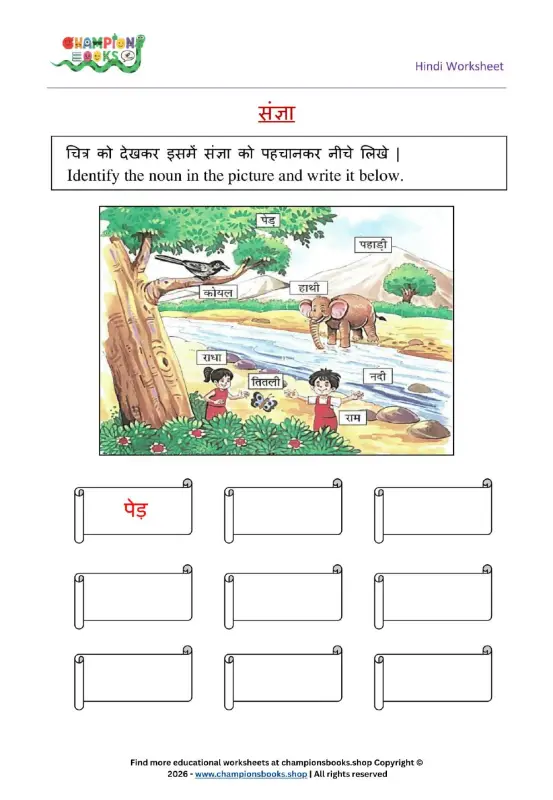
Hindi Sangya Worksheet for Grade 1 – Find Nouns in the Picture
Grade 1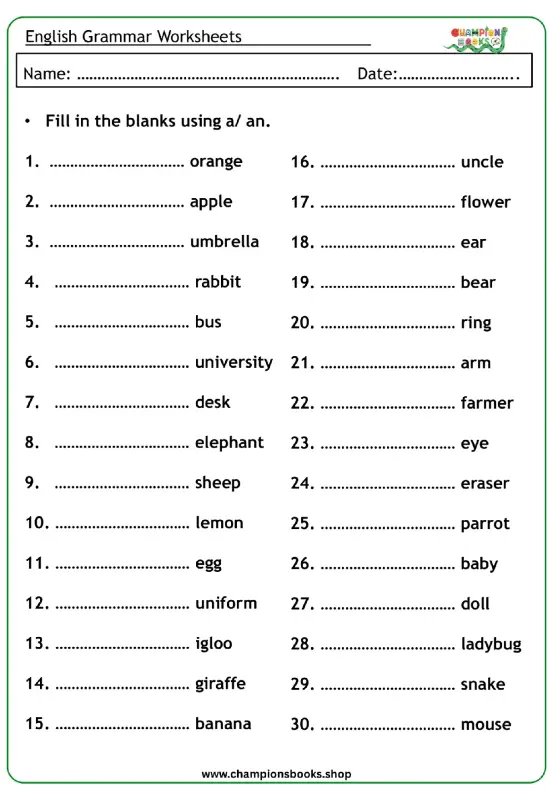
A vs An Worksheet for Grade 1 | English Grammar Practice
Grade 1
Rearrange Sentences Worksheet for Grade 3 Grammar Practice
Grade 3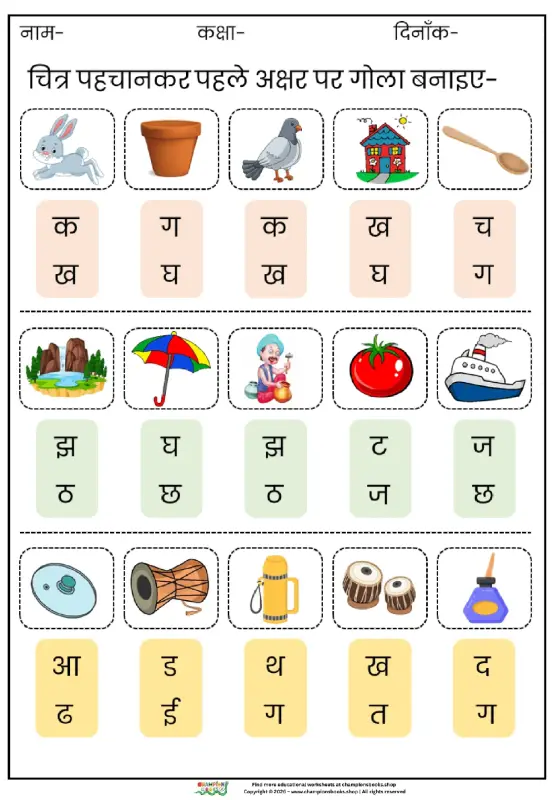
Hindi First Letter Worksheet | Identify & Circle Akshar
Grade 1
Basic English Grammar Worksheet: A, An, Some, Any
Grade 1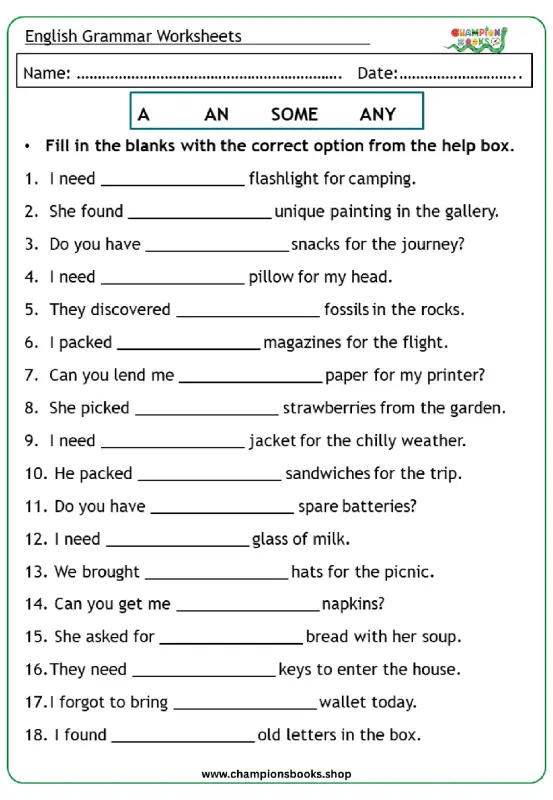
Master A, An, Some, Any: Grade 3 Grammar Worksheet | Free PDF
Grade 3